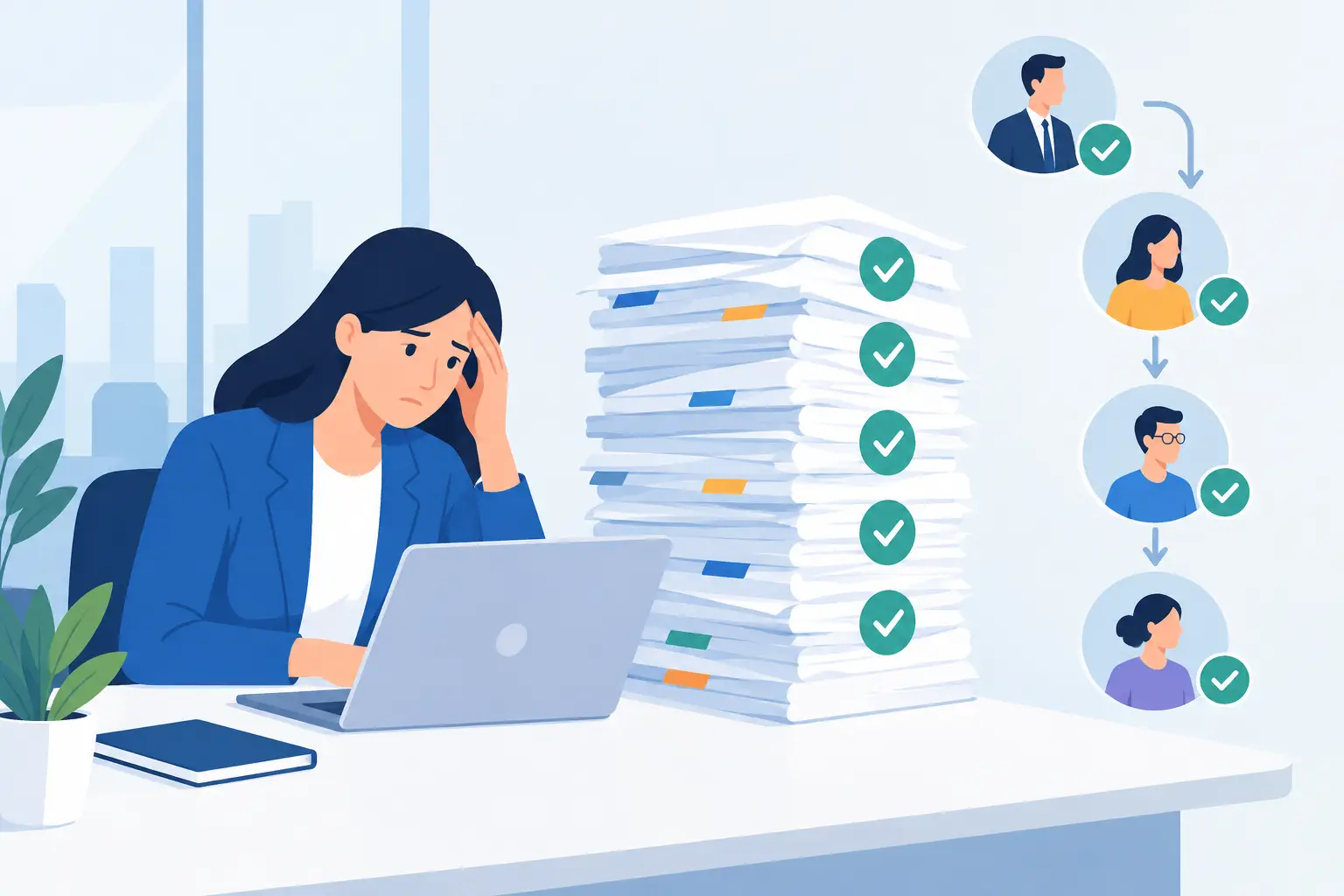
A manager asks for one employee's status. The answer takes a shared folder, an email search, a call to payroll, and a second system. That delay is already an operating cost. The practical question, how to centralize employee data, is whether HR and managers can see employment facts, documents, and open work in one place when a decision is due.
Mid-size and large organizations create employee data every day, in different systems. Payroll, ERP, onboarding forms, personal documents, performance reviews, surveys, attendance, employee requests, and approvals each do a real job. Split apart, they hide the person and the organizational context around them.
Several systems can still share one employee view
Payroll should remain the authority for pay data. ERP should keep running finance and operations. The cost starts when every basic fact requires a manual jump, a file export, or a phone call.
Duplicates pile up. Records go stale. Decisions land on a partial picture. A manager prepares a feedback meeting without prior reviews or open goals. HR cannot find a required document during an audit. Leadership never sees turnover, review completion, or training gaps as one pattern.
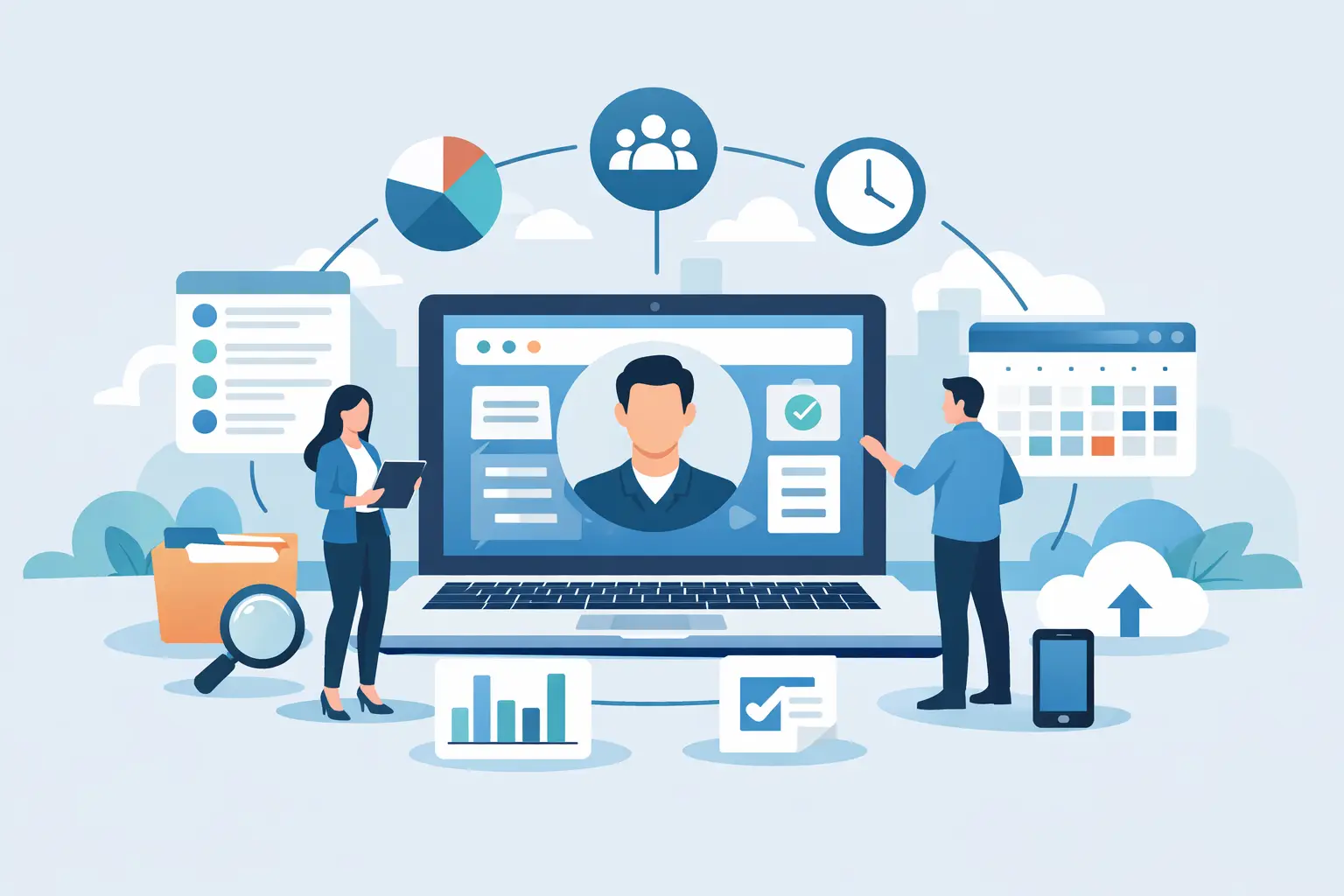
One information hub does not mean retiring every system you already run. For most organizations, the workable path is an HR layer that connects to the sources you have, pulls the fields people need, and shows them in the context of the employee, the team, and the process.
A working method for how to centralize employee data
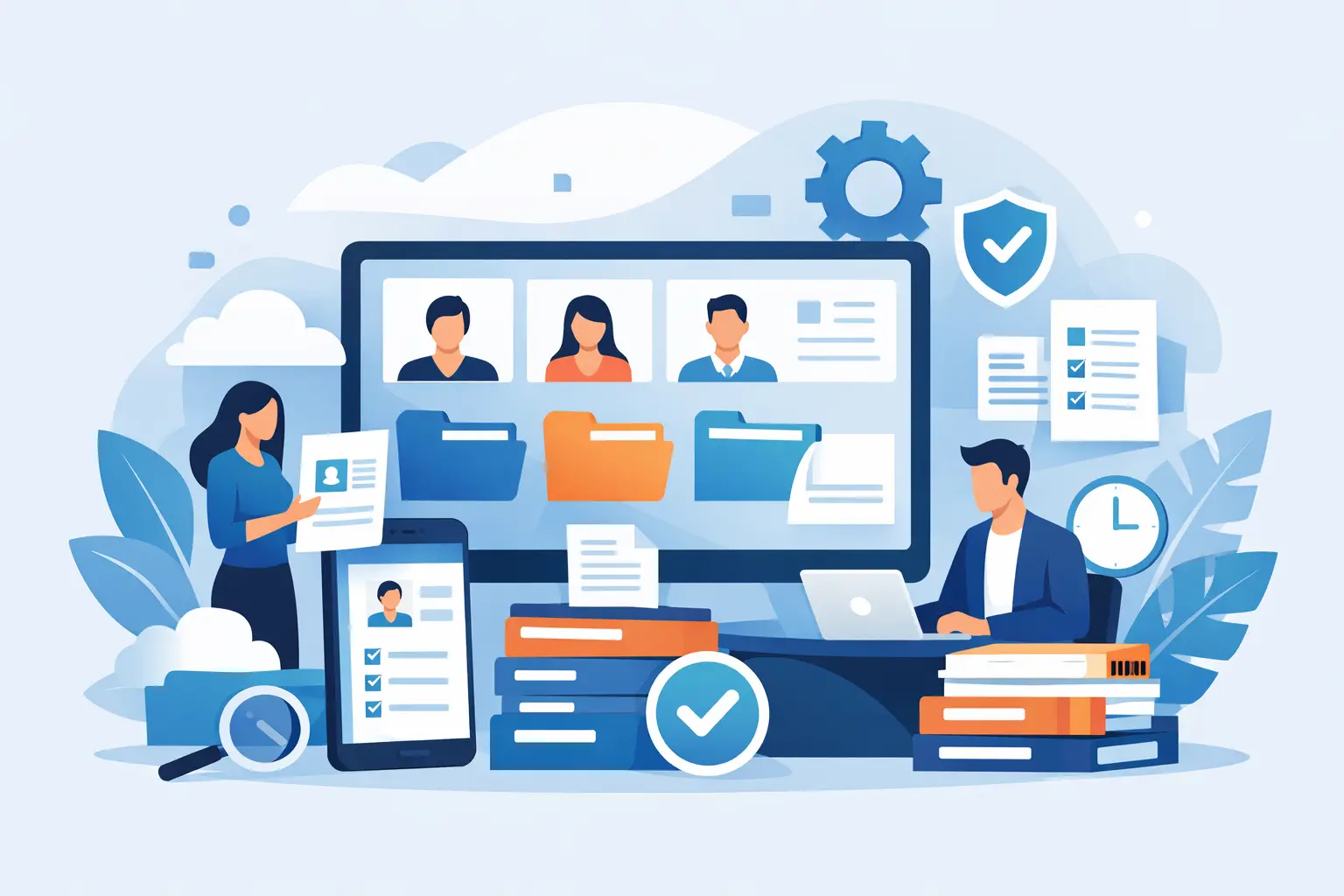
Start by defining a complete employee file. Name, job title, and contact details are the minimum. A file people actually use follows the employment journey: hire details, org placement, documents, role history, goals, reviews, training, approvals, tasks, and open processes.
Build that definition from real use. A direct manager needs a different slice than payroll, organizational development, or information security. Centralizing data includes permissions. Each role sees what it needs in order to act.
Map sources before you design screens
Before you pick a platform or sketch an employee-file screen, list the stores you already have and who owns each one. For every store, name the system of record, who updates it, how often it syncs, and what happens when two systems disagree.
Pay and employment status can arrive from payroll. Reviews, goals, and development tasks can live in HR. You do not need every field copied everywhere. The central view should show the fields required for work, with a reliable link back to the source and a visible last-update time.
That approach cuts double entry and protects quality. It also lets you roll out a central view without turning the project into a full system replacement.
A payroll and ERP connection is the core of this step, and it needs data discipline: one employee identifier, sync rules, required fields, and a defined path when someone changes unit, changes hours, or leaves.
Make the file a place where work happens
A static file is a document archive. An operational file is a workplace. Next to core data it shows required actions, process status, documents waiting for signature, upcoming reviews, onboarding tasks, and reminders for the manager.
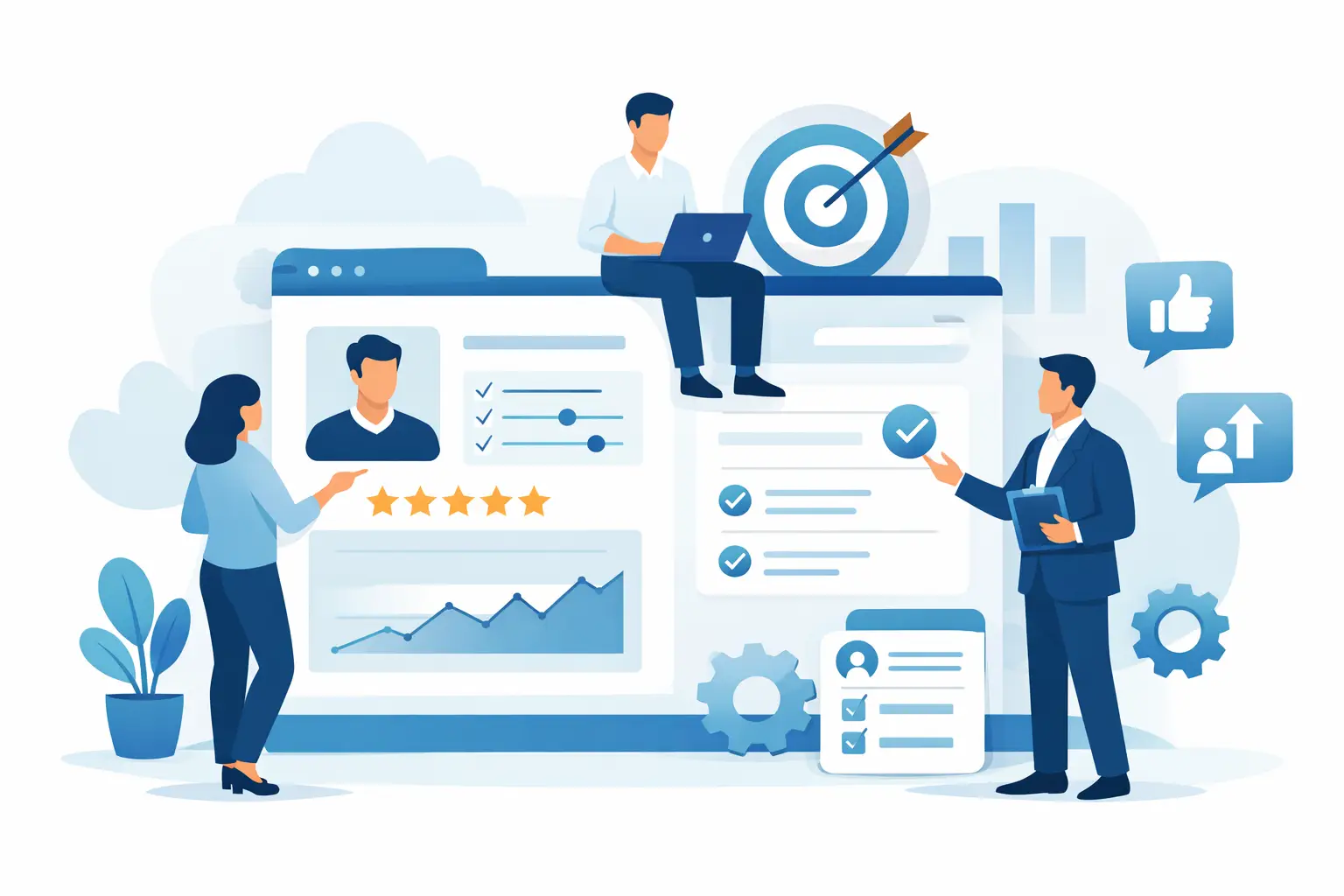
During hiring, one screen can show document status, access approvals, the manager's tasks, mandatory training, and employment details. During a review cycle, the same file connects prior goals, manager feedback, a self-review, follow-up recommendations, and the development actions agreed in the conversation.
The gain is larger than faster search. When the action and the information sit together, the process is more likely to finish on time and with a usable record. Connecting HR systems to the organization is what keeps that screen aligned with the org chart, the manager, and the role.
What belongs in one employee picture
Scope depends on the organization, on regulation, and on privacy policy. A central workplace usually combines four layers: employment and org data, documents and records, active HR processes, and management insight.
Employment and org data covers role, manager, unit, tenure, employment status, and role history. Documents cover contracts, approvals, forms, and personal files, with permissions and expiry. Active processes can include hiring, review, promotion, role change, a survey, or an employee request. Management insight covers goals, performance patterns, training, and recommended next steps.
Centralize a field when it has a clear operational use. A high-turnover organization may start with hiring and documents. A professional, distributed organization may start with performance, career paths, and development plans.
Sync rules that keep the data trustworthy
Sync frequency is a business decision. Employment status and org-structure changes may need a frequent update. Other fields can refresh once a day. Real-time sync sounds ideal, and it sometimes adds complexity and cost. Ask which facts must be current in order to act, and which facts are mainly for analysis and reporting.
The connected layer also needs a change log, role-based access, secure storage, and a clear split between sensitive personal data and management data. Employees, managers, and leadership trust a central view only when those controls are visible.
Turn the central view into the next action
Collected data is the base. The larger value appears when a change starts work. A role change can open onboarding tasks for the new role, notify the relevant manager, request approvals, and show the documents required. An approaching review date can trigger reminders, collect feedback, and put the relevant history in front of the manager before the meeting.
AI can help when it sits on quality data and the right permissions. A review summary, repeated themes in feedback, or suggested points for a development conversation can save manager time. AI does not replace judgment. Recommendations should be transparent, reviewable, and used as support for a human decision.
Measures to agree before the project starts
Measure operational improvement. Useful measures include time to find a critical fact, on-time review completion, volume of manual re-entry, share of missing documents, and time to process an employee change. If managers still request files by email, the screen, the permissions, or the role-based view still needs work.
Start with one process that already hurts
Many teams expect a central employee view to take months of specification. You can start with one process that has immediate effect, such as a digital employee file, performance reviews, or hiring, and extend from there. A modular start lets you prove value, clean data while people are using it, and keep daily work moving.
A connected platform such as B2E's HR system can turn that combined picture into a working tool for managers, HR, and employees, including on mobile.
Do not try to collect every possible field on day one. Start with the information that currently blocks a good decision or stalls a core process. Assign an owner and permissions, and connect it to the next action the organization needs to take. The fuller employee picture grows from that, with control and a clear use.