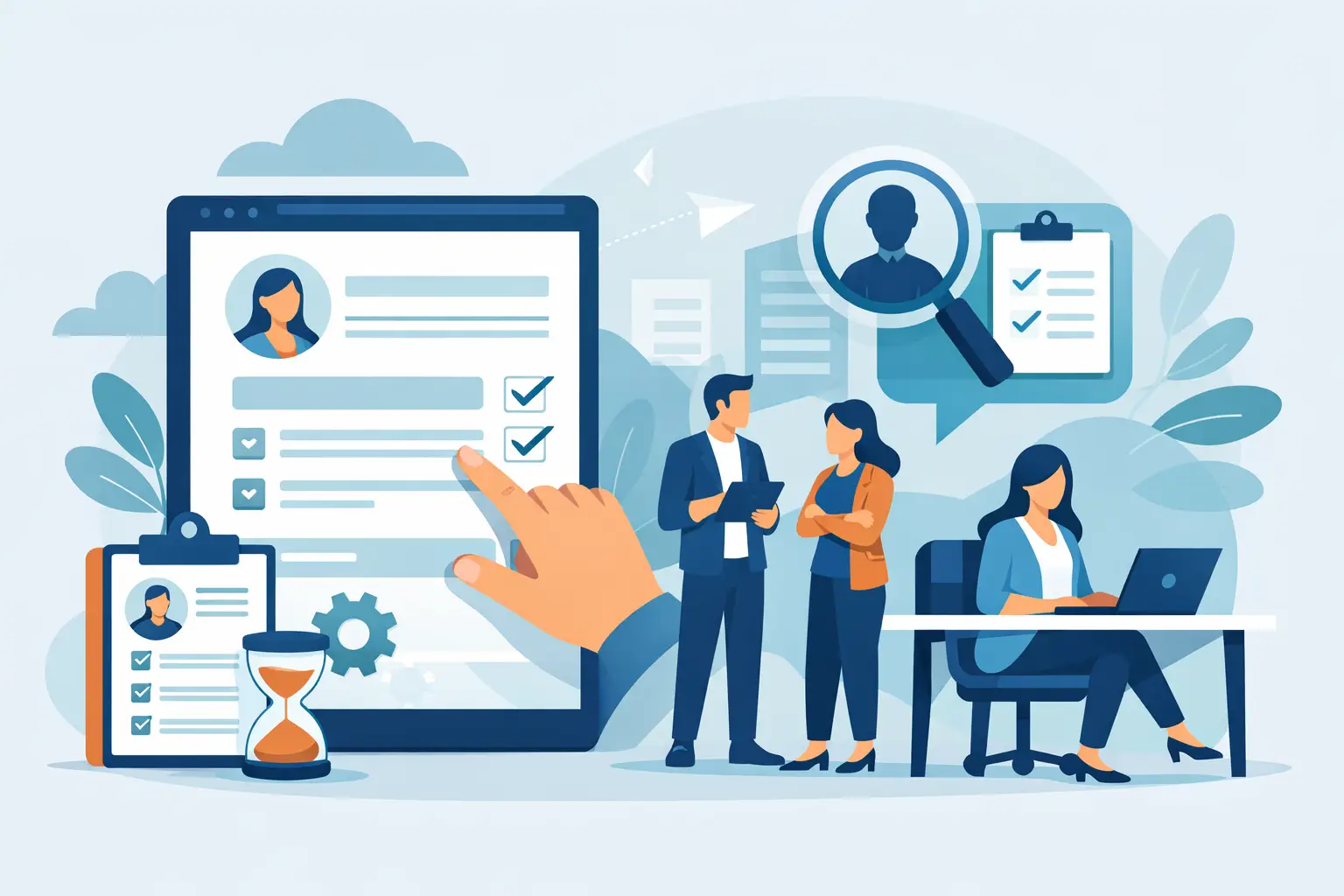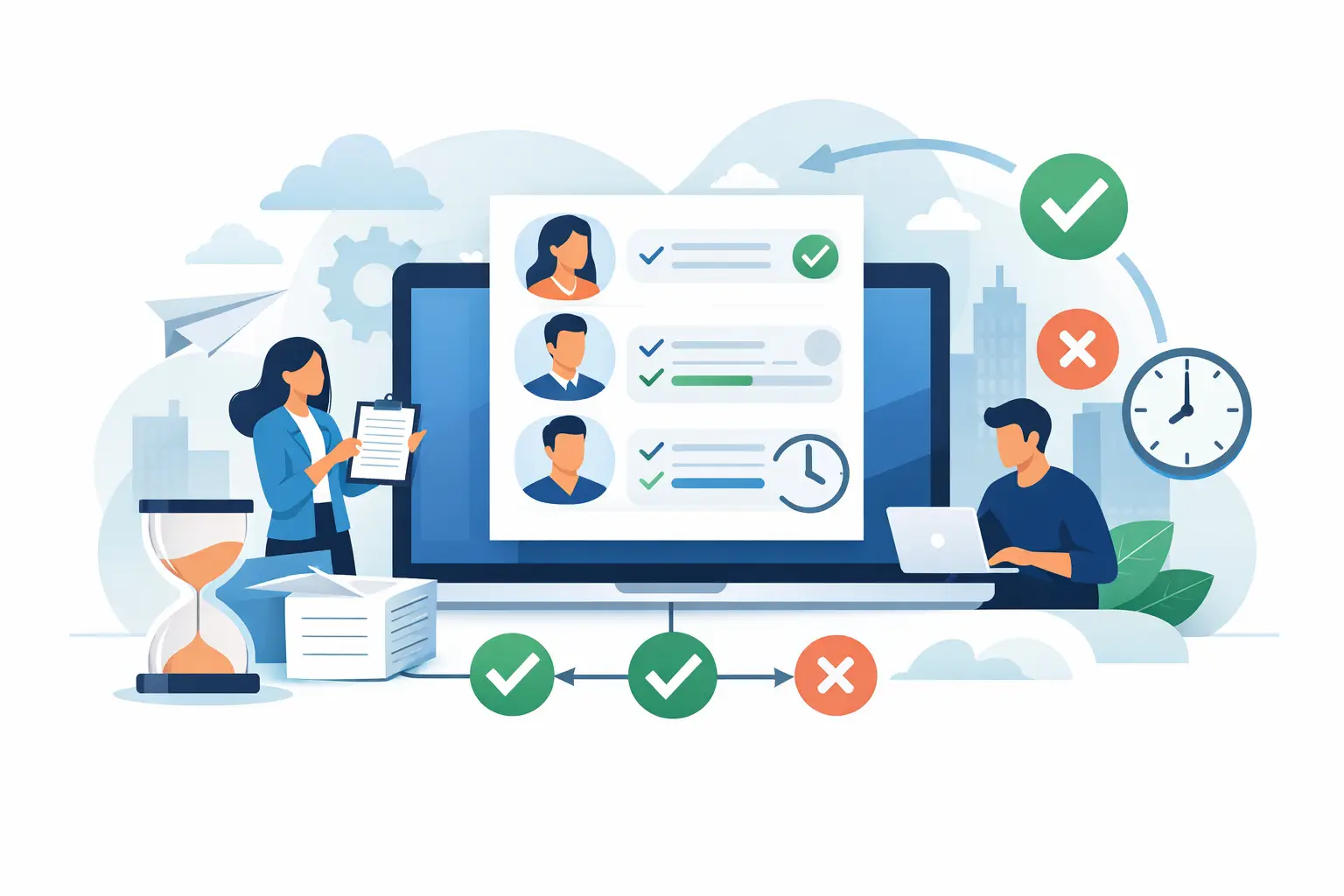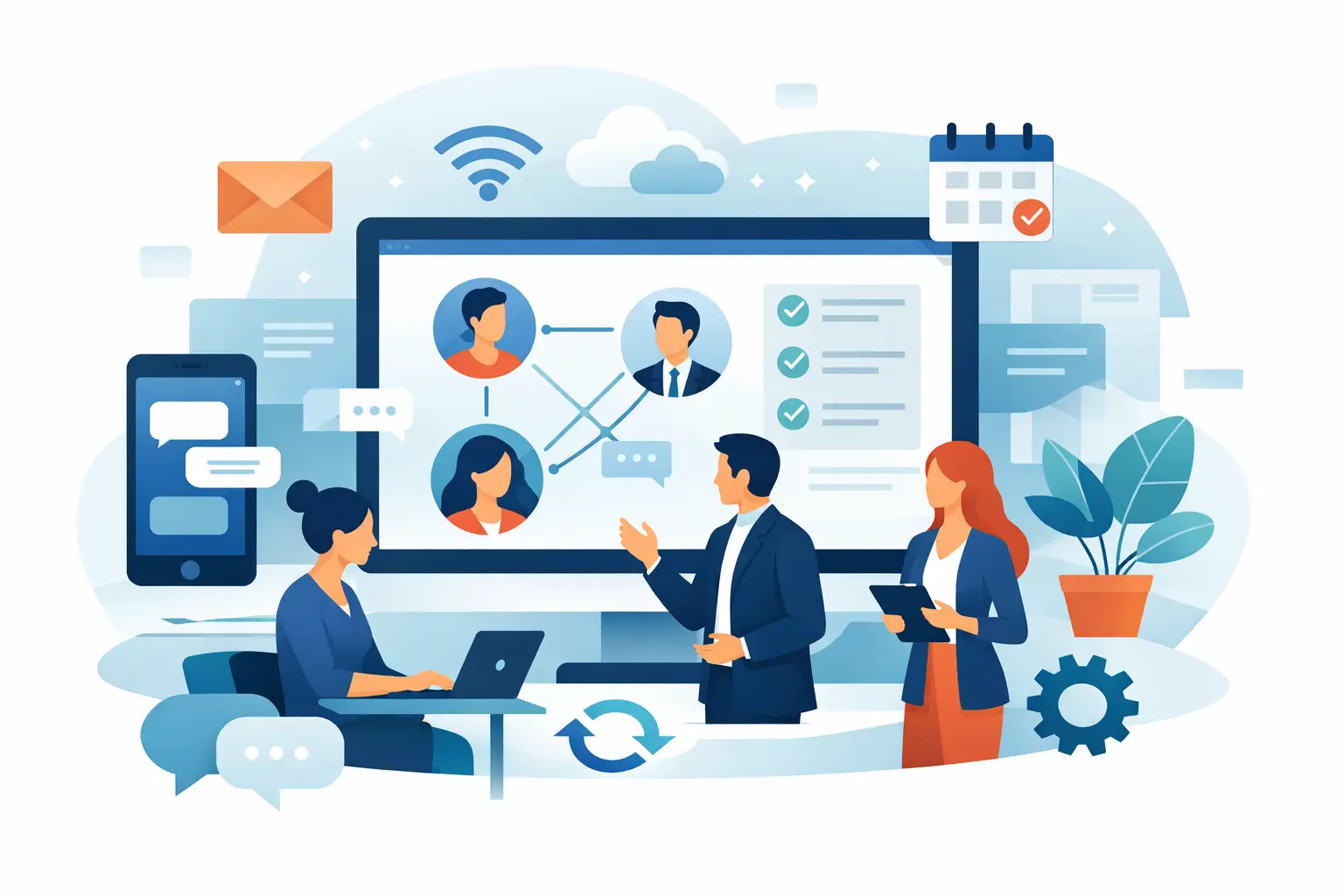
Why digital forms fail in organizations
Teams convert paper to PDF and email it. There is no status, no real permission model, and no link to the employee file. Organizational digital forms must run on employee identity — who fills, who approves, where it is stored.
A generic form tool fits a one-off survey. HR, internal procurement and onboarding need a workflow engine. See automation solutions and digital HR forms that work.
Capabilities a workplace form needs
No-code builder, conditional logic, e-signature, multi-step approvals, a searchable archive, and mobile access. Most important: save to the employee file or process record — not an isolated file.
B2E connects forms to the employee record and approval routes, with reminders and status tracking for managers.
When to move off paper
Start with a weekly process: a hiring request, details update, absence approval, or onboarding documents. Measure cycle time and completion rate. After one stable process, expand templates.
Do not digitize the whole organization on day one. Digital forms succeed when a process has an owner and the employee source of truth is clear.