
Employee Self-Service Portal
Real self-service reduces HR tickets and empowers employees and managers.
Read article
A smart and beautifully designed internal website for your employees — centralizing all information, sharing knowledge and strengthening the connection between headquarters and the field, in any language and from any device.

An enterprise portal is an internal website for employees at all levels, centralizing all useful and relevant information for them. The portal enables effective information sharing and knowledge management — making the organization more efficient, more professional and more connected.
Knowledge sharing, strengthening belonging and genuine dialogue — all in one platform.
Centralizing organizational information enables employees to find answers quickly, reduce errors and improve professionalism at all levels.
The portal bridges branches, departments and sites — ensuring every employee is updated in real time, regardless of their location.
A shared digital space, organizational news and personalized content strengthen every employee's connection to the organization and its values.
Advanced tools for internal communication — forums, surveys, feedback and sharing — create open discourse and a vibrant organizational culture.
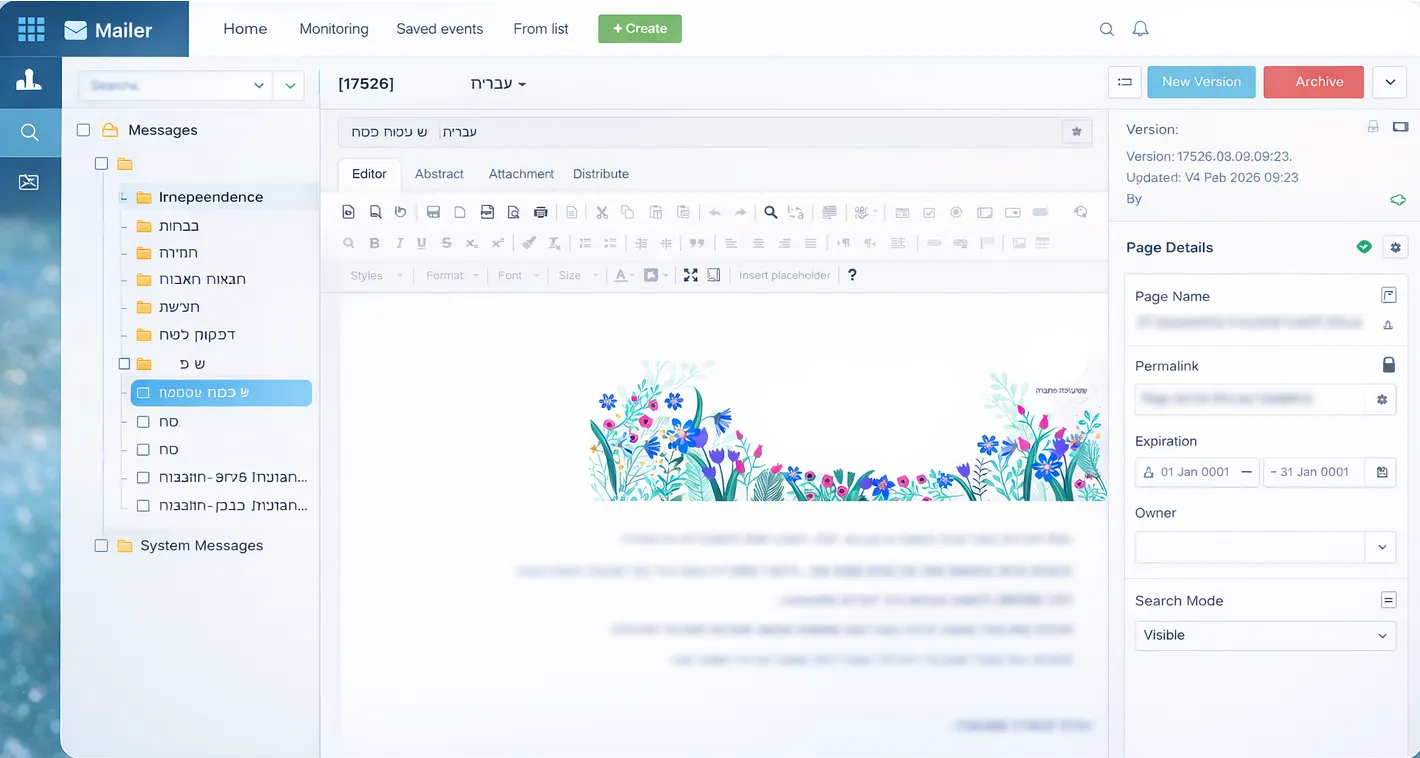
An impressive user experience, a convenient management interface and advanced capabilities that empower the organization.
An advanced portal with a beautifully designed display in the organization's brand language, enabling employees to browse and find all relevant information — in any language and from any device.
An intuitive management interface unlike any you've seen before — accessible and convenient to operate for content managers, allowing them to easily upload images, create content pages, links and more.
The portal supports access permissions and displays relevant content for different users — so every employee sees exactly the content tailored to them, their role and their department.
Each section of the site can be assigned to specific content editors. For example, in a global organization — a content manager in each country uploads content in their language, displayed only to local employees.
The portal integrates with external systems containing the organization's employee records — automatically identifying incoming users and displaying the content they are authorized to view.
Free · No commitment · 30-minute walkthrough
All the tools needed to build an advanced enterprise portal — in one place.
Fully responsive design — the portal adapts to every screen size: desktop, tablet and smartphone.
Full multi-language support — interface and content in Hebrew, English and any required language.
Flexible permission system — define viewing and editing at the user, department or branch level.
User-friendly CMS — create pages, upload images and links without technical knowledge.
Integration with HR and organizational systems — automatic user and role identification.
Bulletin board, news and updates — share organizational information in real time with all employees.
Personal employee areas — quick access to forms, documents, payslips and requests.
Smart search engine — fast and accurate search across portal content, documents and forms.
An intuitive and beautifully designed interface that brings all organizational information to your fingertips.
Answers to questions IT, HR and internal communications teams ask us most often.
An employee portal works when it is connected to HR data, easy to use, and measured — not when it is a pretty intranet that stays empty.
The main benefit of an employee portal is self-service: updating details, requests, forms, knowledge and event registration without ticketing HR for every action. See employee portal benefits and the self-service guide.
Before buying, check SSO, connection to the HR system, permissions, mobile access and usage metrics. A portal disconnected from the employee record creates duplicate data and low trust.
Get a personal demo of the Enterprise Portal and discover how it will transform the employee experience in your organization.