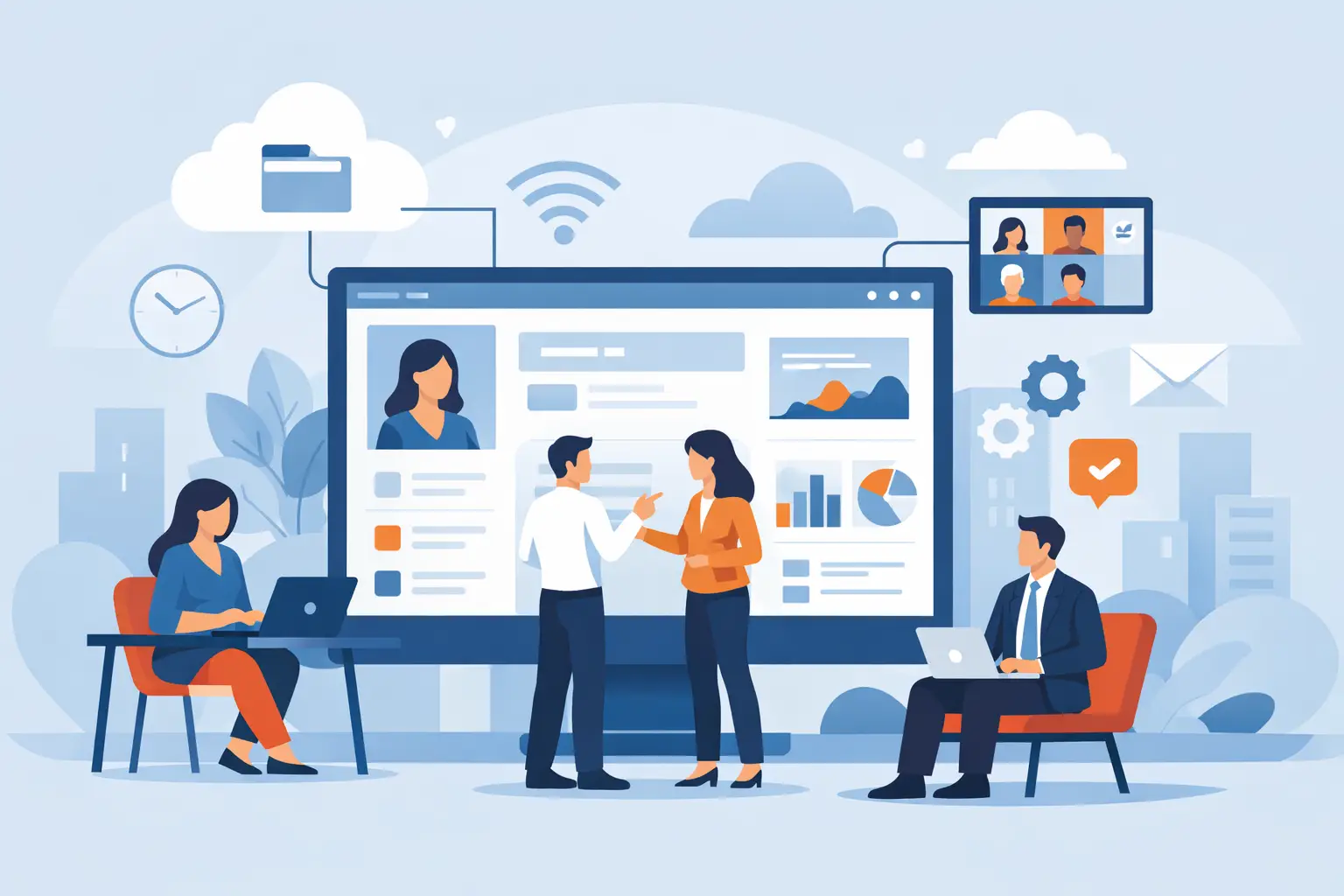
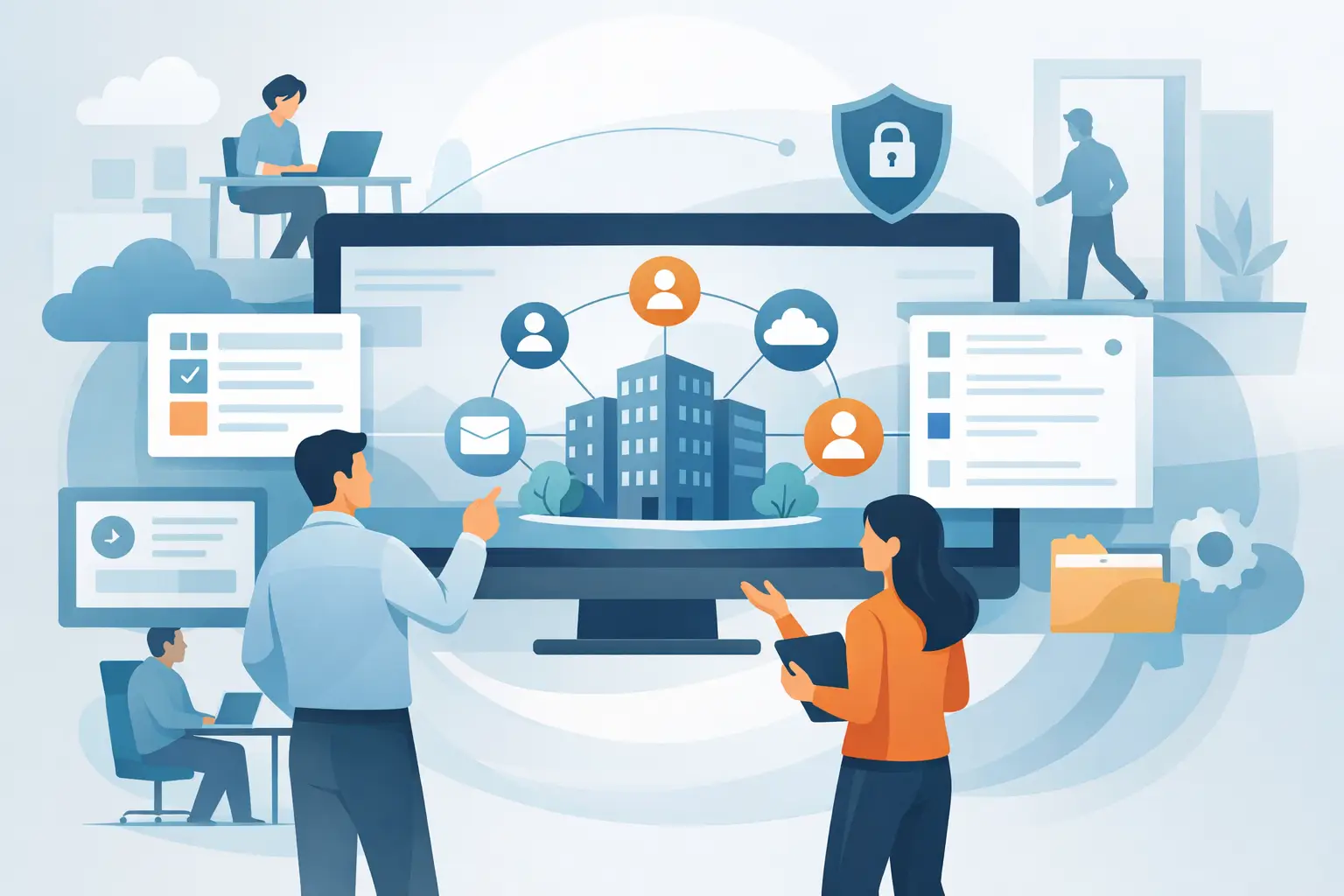
An employee portal usually fails for an operational reason. People do not know why they should open it. Managers keep running work in email and Excel. The content goes stale faster than the work changes. The operating decision, how to implement an employee portal, is about where information, processes, and people meet during the workday.
Implemented well, an internal portal becomes the place work starts. An employee finds personal documents, procedures, updates, and tasks. A manager sees a relevant picture of the team. HR runs shared processes with a full audit trail. Getting there takes a staged rollout that starts from a business need.
Start from the friction the portal should remove
Choose menus and page design after you name the friction. In one organization, HR is flooded with repeat questions about payslips, leave, and documents. In another, managers cannot see which tasks are waiting in reviews, hiring, or role changes. Often the real issue is information scattered across ERP, payroll, shared folders, time tracking, and email.
Map the friction for three groups: employees, managers, and staff functions. Each group has different needs and different permissions. An employee needs fast access to personal information and frequent actions. A manager needs data and tasks that help run the team. HR needs more than a place to publish. HR needs to start processes, follow them, and see exceptions.
That difference decides whether the portal lasts. A portal that works as a workplace lets someone approve a form, open a document, finish a review, register for an event, or update details. A notice board may get visits on launch day. It does not become a work tool.
Ship a first wave of uses
Replacing every internal channel and every information store on day one stretches the project, multiplies content owners, and makes success hard to measure. Pick a first wave of uses with clear value and a clear frequency.
A typical first wave includes personal information, relevant HR documents, news and updates, an org directory, common forms, and approval tasks for managers. Employee self-service lets people complete those frequent actions themselves, and it can also show open tasks, reminders, and progress. The portal then becomes a place to act.
The mix depends on the organization. A company with field employees will put mobile, notifications, and short processes first. A regulated organization may put documents, permissions, mandatory declarations, and records first. A fast-growing organization may focus on hiring, internal communication, and procedures. The standing rule is to start where the portal saves time or prevents a mistake.
Connect the portal to the system of record
The portal should not become another store that someone maintains by hand. When employee details, org structure, employment status, or manager data live in different systems, decide the system of record for each type of data and how it updates.
A connection to payroll and ERP can show employees and managers current information inside one working experience. A digital employee file can hold documents, statuses, and process history, so people are not sent between systems and folders. The connection needs limits. A field that arrives from a source system does not have to be visible on the portal, and every user does not need the same information.
During specification, define data ownership, sync frequency, error handling, and the path when systems disagree. This is part of trust. Wrong personal details, or a manager who sees an outdated team, will drain confidence in the tool quickly.
Permissions are part of the experience
Information security and permissions are a condition of a usable portal. An employee should see their own information and the content that applies to them. A manager should see their team's data, and should not see information the role does not require. HR and system administrators need broader control, with a log of sensitive actions.
Build permissions from role, org unit, and reporting line. Manual grants for every user become a maintenance burden as soon as people change roles or managers change. An org-based model reduces that upkeep and reduces exposure.
Write content that leads to an action
Useful portal content is short, clear, and pointed at the next step. A ten-page procedure with no context can become a short explanation, the related documents, common questions, and the action the employee should take. A company-wide announcement can become an update for the audience that needs it.
Name an owner for each content type, a review frequency, and what happens when content expires. A portal without content governance turns into an archive people stop trusting. Internal portal practices support a simple model: HR owns employee content and processes, unit managers own professional updates, and one central owner approves organization-wide communication.
The home page should lead with what needs attention now: an open task, a waiting approval, an important update, or an upcoming event. A page packed with widgets and general news makes the required action harder to see.
A manager-led path for how to implement an employee portal
Managers multiply adoption. If a manager still asks employees to send files by email or to post updates in unofficial groups, the portal stays optional. When a manager gets clear tasks, team status, and fast access to HR processes, there is a business reason to use the portal and to send employees there.
Before a wide launch, run a pilot with managers and employees from different units. Test real scenarios: sign-in on mobile, finding a document, completing a task, a manager approval, searching for a contact, and receiving a notification. A technical check is not enough. The user should understand what to do without someone standing next to them.
Pilot feedback should produce fast fixes. Rewording a button, shortening a form, or placing information where people look can raise use more than adding a new capability.
Launch against operational measures
A good launch is more than the number of accounts opened. Measure use and an operational result: employee and manager sign-in rates, task completion, time to handle requests, a drop in repeat questions to HR, read rates on updates, and mobile use.
Separate a one-time visit from meaningful use. Most employees opening the launch message once is not adoption. Employees finishing onboarding in the portal, managers approving tasks on time, and HR spending less time on manual follow-up is a measurable operating change.
After launch, keep a regular improvement cycle. Check which pages nobody opens, which processes stall, which questions repeat, and who still works outside the portal. Sometimes the gap is communication. Sometimes the process itself is too heavy for the way work actually happens.
A connected platform such as B2E's employee portal can hold the portal, the employee file, reviews, surveys, and automations together, when the setup matches how the organization works.
An internal portal should feel like the shortest path to information and to an action. Connected to reliable data, daily processes, and steady ownership of content and permissions, it returns time, control, and clarity.