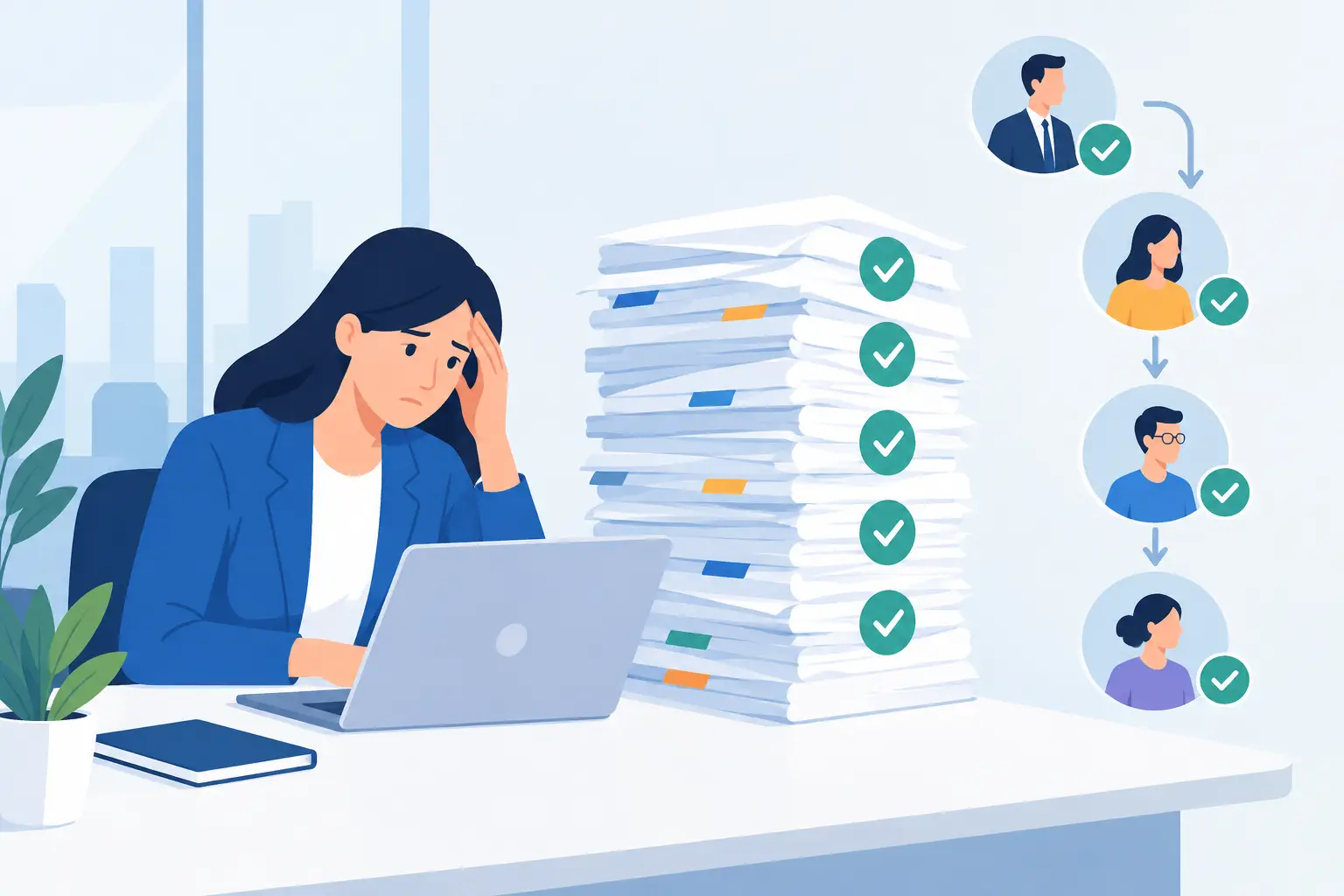
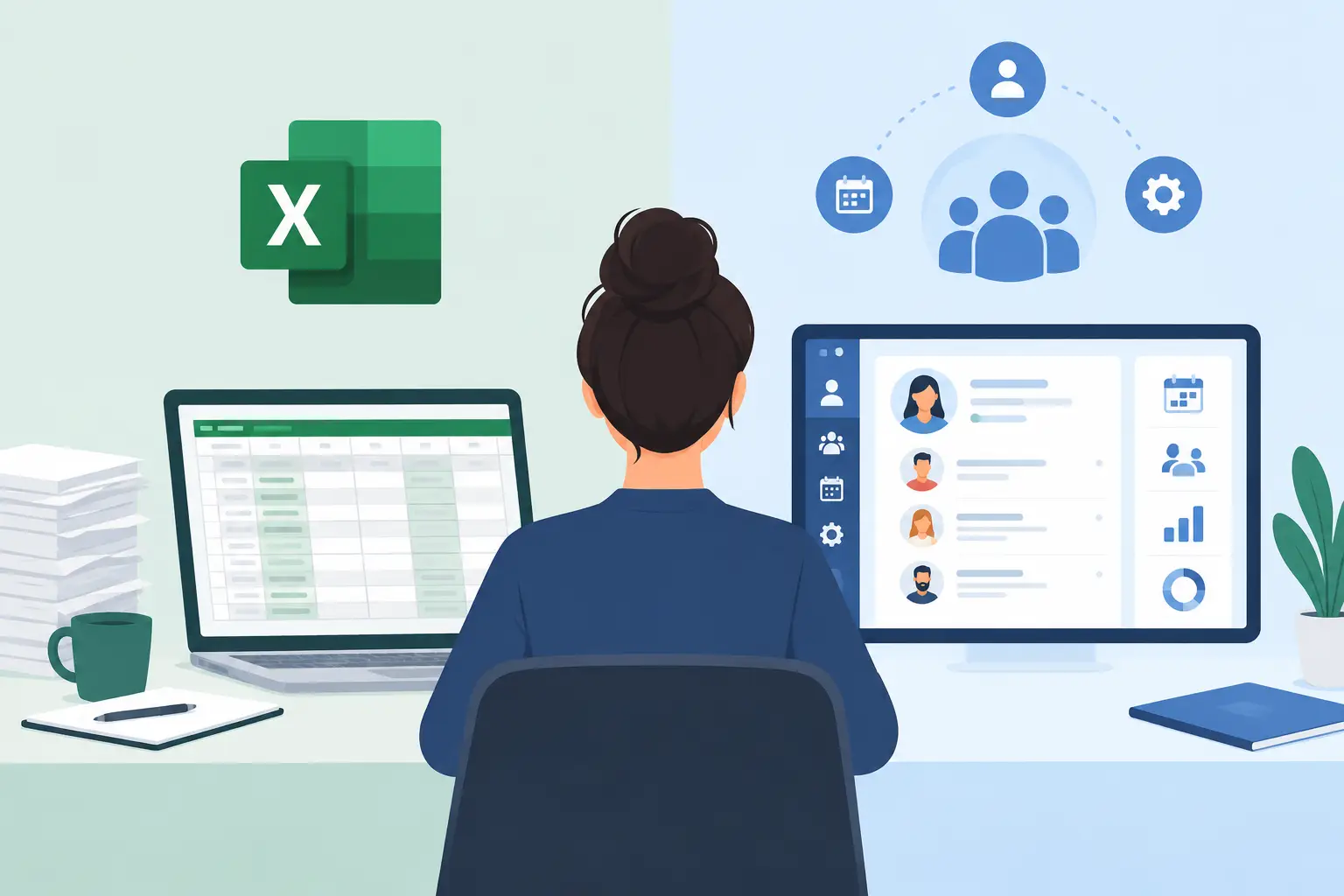
One Excel file usually starts as a quick answer: a staff list, hire dates, training status, or a tracker for performance reviews. The Excel vs HRIS question begins when that file is no longer a personal aid. Managers, HR, and leadership rely on it. A missing column, a second version, or an update that never landed becomes an operating problem.
The choice is about whether the organization can keep running employee information and employee processes from manual sheets, or whether it needs a connected environment that produces a full employee picture, control over processes, and a faster next action.
Where Excel still does the job
Excel is excellent for a point task. It is available, familiar, and flexible, and someone can build a report, a calculation, or a tracking list quickly. On a small team, with a limited headcount and a simple process that few people share, it can be a sound choice.
Large organizations still have a place for it. A one-time analysis, an exception check, work on data from an outside party, or a budget scenario are natural uses. The file becomes a problem when it is asked to replace a standing operational system.
When the same sheet is the employee database, the reminder engine, the review form, the leadership report, and the channel between HR and managers, it carries a load it was not built for. In place of a defined process, the organization gets a set of manual actions that depend on memory, on passing files, and on the few people who know where the information lives.
Excel vs HRIS is an operating difference
An HRIS, a human-resources information system, is built to run the employee lifecycle as an organizational process. It stores data, and it defines who updates it, who sees it, what happens when an employee's status changes, and which actions come next.
In Excel, a role change can be typed on one row and stay stale on every other sheet. In an HRIS, the same change can update the digital employee file, the reporting line, onboarding or handover tasks, review processes, and access permissions. That sequence narrows the gap between what the organization knows and what it does.
Ownership is the other difference. On a spreadsheet it is often unclear who owns the current version, who may edit, and which changes were made. A central system can set permissions by role, keep a change history, and give employees, managers, and HR one source of truth.
Four signs manual tracking has run out
The move does not have to wait until every department feels the chaos. Practical signs show that a more central solution is due:
- HR copies the same data across files, payroll systems, forms, and leadership slides.
- Managers ask again and again for employee, goal, review, or training information, and there is no immediate shared answer.
- Hiring, performance reviews, offboarding, or manager approvals run on manual reminders and email.
- Several versions of employee files exist, or access to sensitive information depends on sending a file to the right person.
Each of these costs time. Together they create risk: wrong data in management decisions, tasks that fall between owners, difficulty showing that a process was consistent, and managers who stop trusting the information they receive.
Data is the start of the process
Many organizations replace Excel with an HRIS to gather data in one place. That is a sound reason. The larger value appears when the data starts a process.
Employee details, role, direct manager, and start date are base data. Connected to hiring, the system can assign tasks to the right people, track completion, and show the manager a clear status. Connected to reviews, it can open cycles on schedule, collect structured feedback, and store the result on the employee file.
The same principle covers organizational surveys, internal events, training, and employee communication. Each activity can rely on existing data and on consistent org definitions, instead of starting from a new file or an outdated distribution list.
A full employee picture changes manager decisions
A manager needs the right information at the right time: who is on the team, what changed, which tasks or reviews are waiting, what is done, and what needs attention. When that information is split across Excel, payroll, time tracking, email, and forms, the manager is the person stitching the picture together.
A connected HRIS can bring payroll and ERP data together with HR's operational information. Employee details, review processes, documents, organizational records, and manager tasks then sit in one context. Leadership can see trends, gaps, and bottlenecks without a separate data-collection round.
What changes in control, security, and compliance
Employee information is sensitive. As the organization grows, permissions managed through shared files get less precise. A former employee may still have access. A manager may receive information the role does not need. Changes over time are hard to trace.
A dedicated system can set access by role, org unit, or management responsibility. Documents can live in a digital employee file instead of shared folders, processes can keep a record, and fewer facts travel as email attachments.
Security and usability have to travel together. A system that is too heavy will send employees and managers back to private files. The right system provides control and permissions, and stays simple on a computer and on a phone, in the language and terms the organization uses.
Move processes, not every column
A common mistake in an HRIS move is to transfer every sheet, every column, and every history with no distinction. The new system then contains the old complexity. Start with the processes where the operating pain is clear: the employee file, hiring, reviews, approvals, or an organizational survey.
Next, define the source of truth for each type of information, which data arrives from payroll or ERP, who is responsible for updates, and which alerts or tasks fire when something changes. This is also the moment to clean duplicates, unify definitions, and check that the org structure in the system matches reality.
A focused rollout starts with the processes that produce immediate value, runs them in a stable environment, and extends the choice step by step. A cloud platform with connected components can begin with one urgent need, without rebuilding the whole HR foundation on day one.
When Excel is still enough
If the HR team is very small, headcount is limited, processes are infrequent, and the information is not especially sensitive, Excel can remain a reasonable choice.
When managers must act on the data, when processes repeat, when documents and permissions need control, or when HR spends its time coordinating instead of doing professional work, the price of manual work is already higher than the cost of the move. A connected platform such as B2E's HR system can hold the employee file, review processes, and automations in one environment.
The useful measure is how many decisions, tasks, and management conversations depend on the sheet. When the spreadsheet becomes the point of failure, an HRIS returns control, transparency, and a workable pace.